
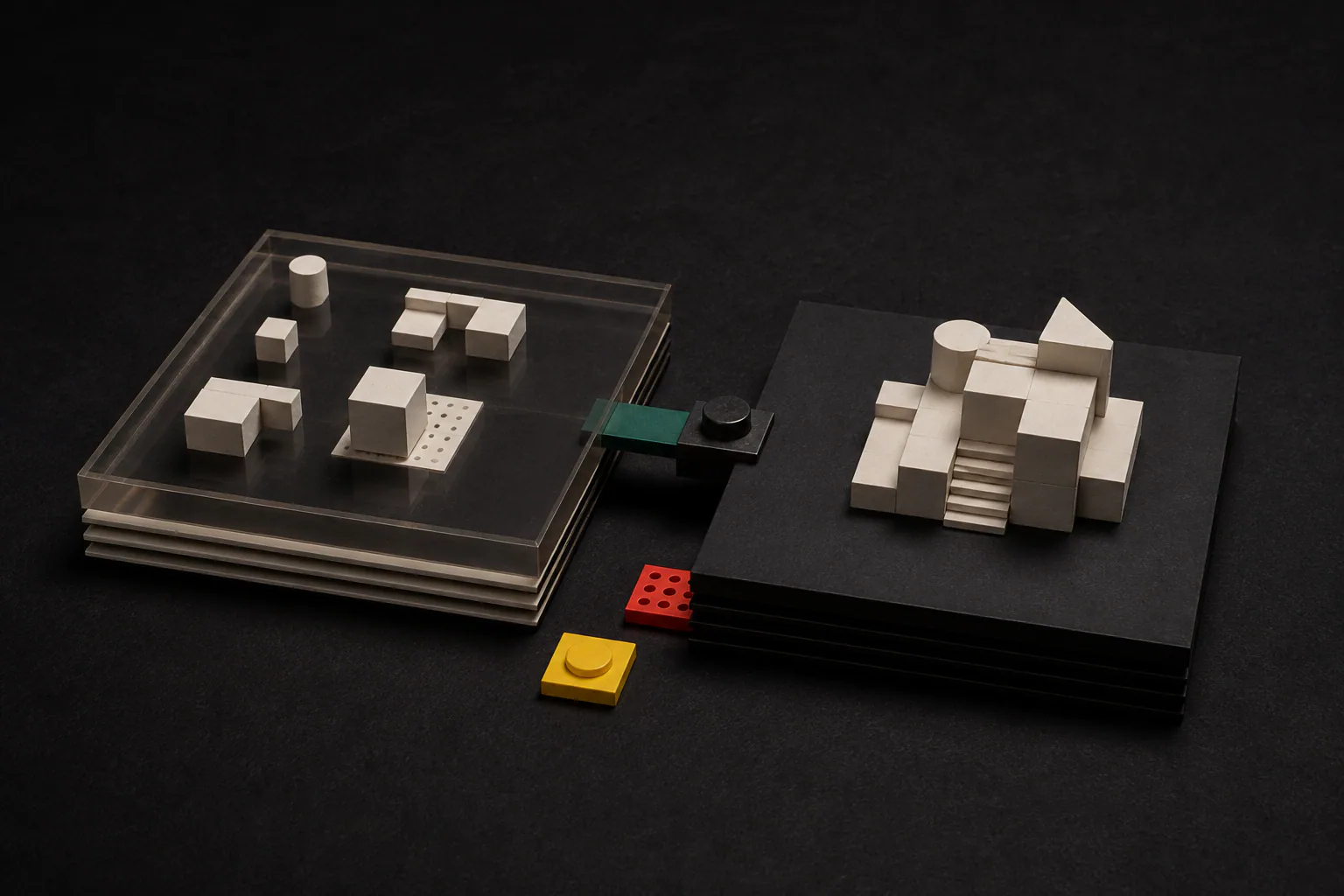
There are two versions of your app: the private copy you try out, and the live version your team actually uses. Keeping them separate is one of the simplest ways to avoid nasty surprises.
What a working copy is
A working copy is a private version of an app where selected reviewers can test real tasks without changing the live version used by the rest of the team.
You can click through it, run real tasks, and see how it behaves without affecting anyone else.
Nothing you do in a working copy touches live work. If something looks wrong, you ask for a change, and the live app carries on as normal the whole time.
Why the gap matters
Reading a plan tells you what should happen. Using a working copy tells you what actually happens. The two are rarely identical, and the difference is where mistakes hide.
A working copy is where you notice the step that was missed, the wording that confuses people, or the case nobody thought about. Far better to find those in private than in front of a customer.
How to test a working copy well
Do not just click the happy path. Try the awkward cases, the ones that usually cause errors, because those are what a real app has to handle.
- Run a few tasks exactly as they happen on a normal day.
- Try the exceptions: missing details, odd amounts, unusual requests.
- Ask the people who will actually use it to try it too.
- Note anything that made you pause or guess.
Going live, on purpose
When the working copy does the job, one clear approval makes it live. You see what changed and what to check first, and the previous version stays ready in case you want to step back.
Because going live is a deliberate choice, it never happens by accident. Nobody wakes up to find the app changed overnight without anyone deciding it should.